
Guides
Getting Started
Contacts, Lists, Tags and Segments
Sending Emails, Warmup and Rotation
Inbox and One-off Emails
Signup Forms
Email Marketing
Flow Campaigns
Worked Example: SaaS Lifecycle
Broadcasts
Sequences
Newsletters
Cold Email
Variables & Personalization
Email Editor Guide
API Integration Guide
Template Examples
Signup Forms
A signup form adds people to a list when they subscribe on your website: embed it in a page, open it from a button as a popup, or share its hosted page. Signup forms come with a paid plan; on the Free plan, Forms shows a preview.
Create a Form
Where to find it
Forms › Create Form
- Go to Forms and click Create Form.
- Name it (Form name) and pick the Contact list new subscribers join.
- Add the fields you want with Add Field, and set the Button label and Brand color.
- Click Create.
The forms list shows each form's Status and Submissions.
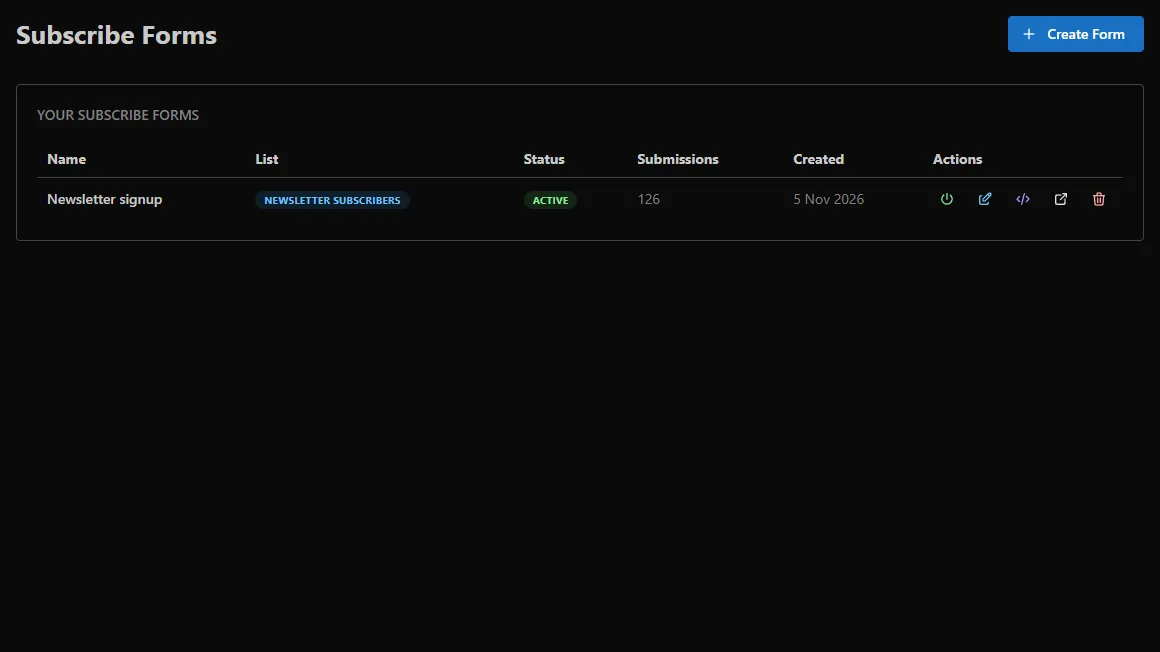
Put It on Your Site
Click the embed icon on the form to open Embed Form. Copy the code from the Embed Form tab into your page, or use Popup Button to open the form from a button on your site.
A flow can start when a form is submitted, so you can send a welcome email the moment someone subscribes (see Flows).