
8 Best Subject Line for Follow Up Email Examples
Craft the perfect subject line for follow up email with our top 8 examples. Boost your open rates and get responses every time!
Most follow-up subject line advice is too polite, too generic, and too obsessed with sounding “professional.” That’s the problem.
A bad follow-up doesn’t fail because you sent another email. It fails because the subject line gives the reader no reason to care. “Checking in.” “Following up.” “Circling back.” Those lines ask for attention before they’ve earned it.
The better approach is simpler. Treat the follow-up as a second chance to create relevance. Give the recipient a reason to open based on what matters to them now: a question they can answer, a cost they can cut, a risk they can avoid, or a specific next step that makes sense in context.
That matters because the subject line does a huge amount of the work. Titan Email’s roundup of email subject line benchmarks notes that 47% of email opens are determined solely by the subject line, and 69% of emails are marked as spam based only on the subject. In other words, the wrong subject line can sink a perfectly good follow-up before your copy even has a chance.
In B2B SaaS, especially when you’re selling infrastructure, pricing control, or deliverability improvements, this gets even sharper. Buyers don’t need clever. They need a reason to believe the next email is worth their time.
1. The Direct Question Template
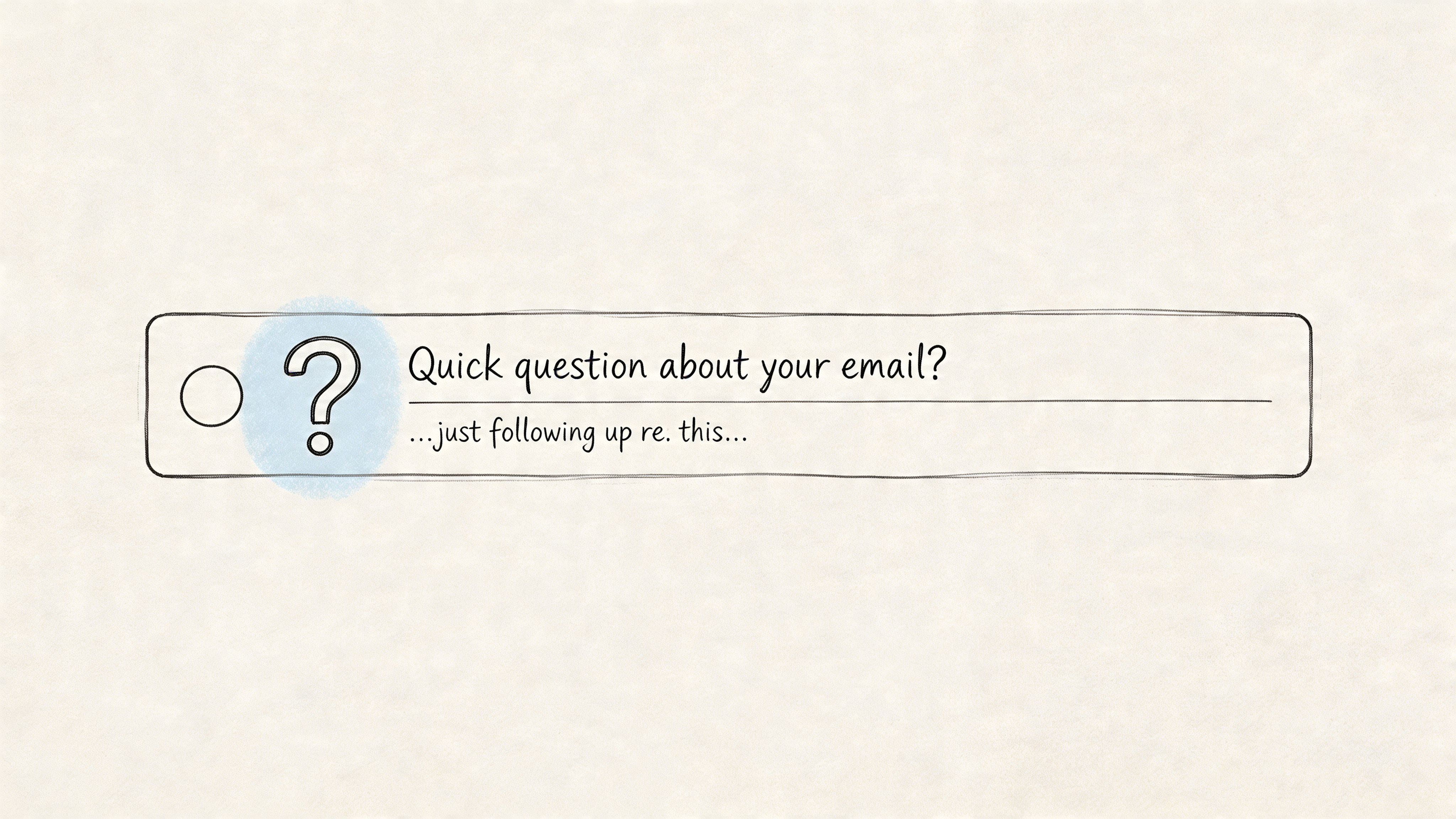
Direct questions still outperform a lot of clever subject lines because they reduce decision friction. The reader knows what the email is about before opening it, and in B2B SaaS that clarity matters more than wordplay.
This template works best when the question maps to a real buying trigger. For infrastructure and email delivery products, the strongest triggers are usually cost pressure, control over the sending stack, migration timing, or operational risk.
Examples:
- Did you see the pricing breakdown I sent?
- Quick question about your email volume?
- Still looking to reduce your email costs?
- Ready to discuss your sending infrastructure?
The trade-off is simple. A direct question gets attention fast, but only if the recipient immediately recognizes the context. If the question feels detached from the last conversation, it reads like a cold follow-up, even when it is not.
Ask one thing, not three
Keep the subject focused on one decision.
Teams selling technical SaaS products often weaken this template by stacking multiple angles into one line. Cost, deliverability, migration effort, and timing are all valid concerns, but cramming them together makes the subject feel generic and automated. A better subject picks the dominant trigger and lets the email body handle the nuance.
Use the question that matches the prospect’s current pressure point:
- Cost trigger: “Still looking to reduce your email costs?”
- Control trigger: “Quick question about your SES setup?”
- Ops trigger: “Ready to discuss your sending infrastructure?”
The practical rule is straightforward. If the recipient can answer the subject with yes, no, or not now, you are usually in the right range.
That matters more in SaaS than in lower-stakes sales. If you are following up with a founder or growth engineer about replacing a traditional ESP with a bring-your-own-provider setup, the subject should point to the outcome they care about. “Still looking to reduce your email costs?” works because it names the business case. “Ready to discuss your sending infrastructure?” works when the buyer is focused on control, deliverability ownership, or reducing dependence on rented platforms.
Avoid these mistakes:
- questions with no prior context
- vague curiosity that hides the point
- leading questions that sound manipulative
- subjects that ask for a meeting before earning one
Use a direct question when the prospect already has enough context to respond. Then make the body just as easy to answer, with one clear reply path and one next step. If the follow-up goes to a client, a recruiter or someone senior, use the formal email structure for the body.
2. The Value Addition Template
A follow-up gets much easier to open when it offers something new. Not a reminder. Not a nudge. Something useful. The same rule applies to feedback requests: these survey reminder email templates lead with why the answer matters instead of another nudge.
Examples:
- Bonus: Cost calculator for your email volume
- Here’s the infrastructure breakdown we promised
- Insider comparison: Mailtani vs traditional ESPs
- Free guide: Reducing your email marketing budget
This subject line type works when the first email introduced the problem, and the follow-up brings the proof, tool, or comparison that helps someone evaluate it.
Lead with the asset, not the follow-up
The best version of this template names the thing you’re giving them. In B2B SaaS, that might be:
- A calculator: cost comparison for current volume
- A teardown: current ESP versus Amazon SES or Resend
- A migration plan: what changes operationally if they switch
- A decision doc: trade-offs between shared ESP infrastructure and owned sending setup
Apollo’s sales follow-up guidance reports that personalized follow-up emails achieve 29% higher open rates and 41% higher click-through rates than generic messages when personalization is specific and tied to trigger events or relevant context, according to Apollo’s follow-up sales email insights. That’s why “bonus” only works if the bonus is real and customized.
A solid example for a growth engineer: “Here’s the infrastructure breakdown we promised”
That subject works because the recipient knows what’s inside. Maybe it’s a side-by-side of current monthly ESP costs versus using their own API keys with Amazon SES, Resend, or Mailtrap. Maybe it’s a note on DKIM, DMARC, reply handling, and what changes operationally.
Send this template only when you’ve added something the first email didn’t include.
What usually fails:
- Generic “resource” offers
- Whitepapers with no relevance
- “I thought this might be helpful” with nothing concrete attached
A value-add follow-up should make the reader think, “good, this saves me time.” If the body doesn’t deliver that feeling fast, the subject line won’t help on the next send.
3. The Curiosity Loop Template
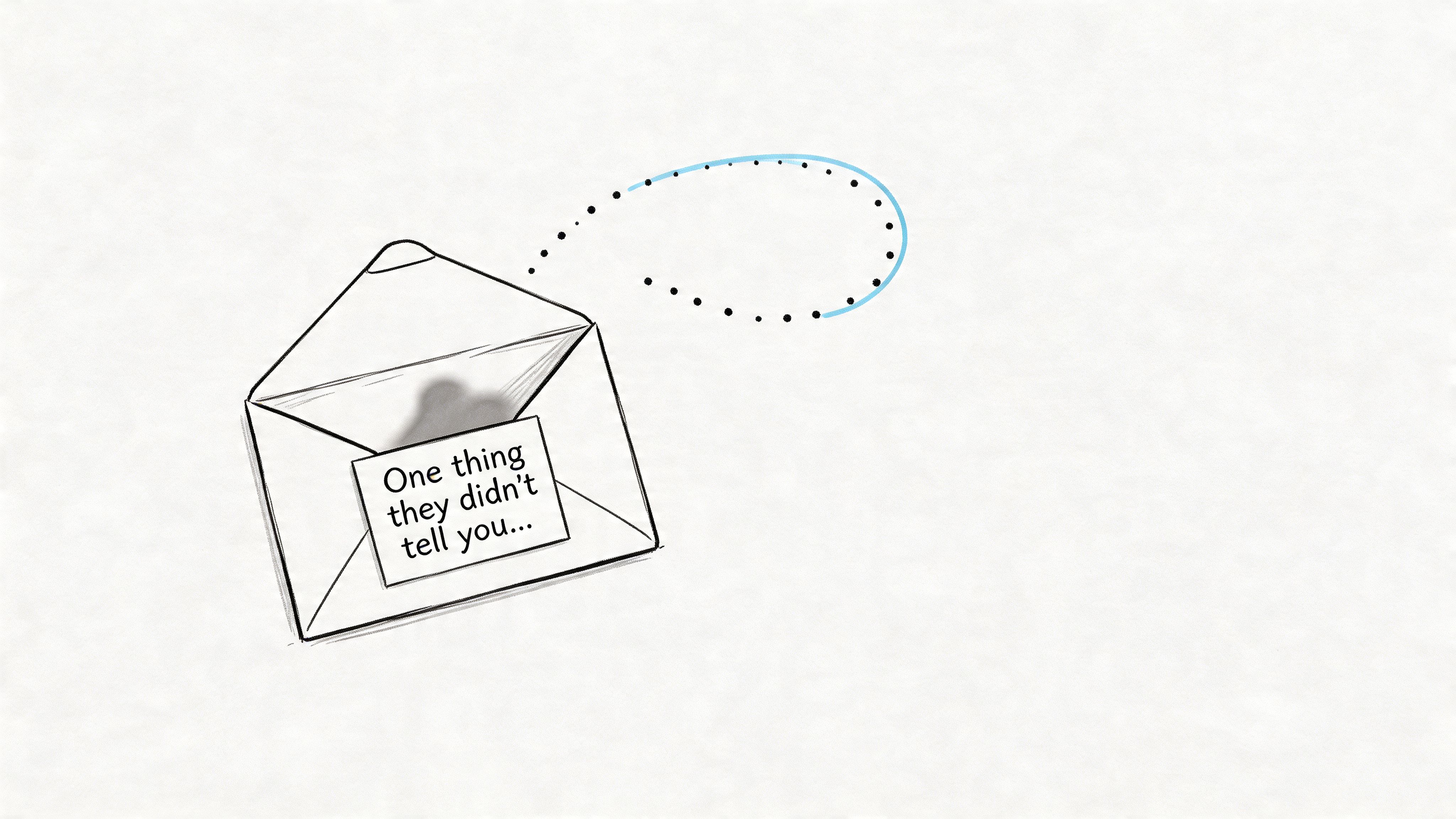
Curiosity is one of the easiest subject line triggers to abuse. It still works in B2B SaaS, but only when the gap you open is specific, relevant, and expensive enough to deserve attention.
That usually means one of three things. A hidden cost. A delivery risk. A control problem.
Examples:
- One thing they didn’t tell you about email costs...
- What I found in your sending setup
- The reason your Mailchimp bill keeps climbing
- The infrastructure trade-off behind your current ESP
Curiosity works best when it points to a concrete business issue
In follow-ups, curiosity should create tension around something the buyer already cares about. Cost creep from contact-based pricing. Shared infrastructure that limits deliverability control. A reply workflow that breaks once volume increases. Those are real problems with budget and operational impact, which is why they earn opens.
In practice, I group curiosity subject lines by trigger:
- Hidden cost curiosity: points to markup, volume pricing, or waste
- Risk curiosity: points to sender reputation, shared IPs, or compliance gaps
- Control curiosity: points to ownership of infrastructure, data, or routing logic
That framing matters. A VP of Growth will usually react to wasted spend. An engineering lead is more likely to react to infrastructure control, observability, and setup constraints. Use the same trigger in the subject and the first two lines of the email so the message feels consistent.
A practical example: “The actual reason your Mailchimp bill keeps climbing”
That works because it names the pain clearly. It also suggests the email will explain the cost structure, not just tease it. In a B2B SaaS follow-up, the body should quickly show where the bill expands, such as list-based pricing, add-on fees, or the gap between ESP markup and underlying provider cost.
Another strong version for a technical buyer: “What your current sending setup hides”
That line fits follow-ups about shared IP exposure, limited warm-up control, fragmented reply handling, or the trade-off between convenience and ownership. It creates enough tension to get the open, then gives you room to explain the operational downside in plain language.
Curiosity should create a question the email answers in the first few lines.
What usually fails:
- Broad teaser language with no business angle
- Mystery subjects that could apply to any company
- “Open loop” copy that never reveals a real cost or trade-off
- Curiosity subjects that promise insight, then deliver a generic pitch
Keep these subject lines reasonably tight, but do not force them so short that they lose the point. Curiosity performs best when the recipient can tell what category of problem is inside. If the message is about cost savings, hint at cost. If it is about infrastructure control, hint at control. The subject should create interest. The email should cash it in fast.
4. The Time-Sensitive Template
Urgency is overused because it’s easy to fake. It’s also easy to spot.
Time-sensitive subject lines work when there’s a real event, deadline, trial cutoff, pricing window, procurement cycle, or implementation date behind them. If there isn’t, skip this category.
Examples:
- Following up, your feature access expires in 2 days
- Quick reminder before we close your proposal
- Last chance to lock in the lifetime pricing
- One more thing before your trial ends
Urgency only works when the clock is real
A serious buyer can tell the difference between an actual deadline and manufactured pressure. If you say “last chance,” you need a body that explains what ends, when it ends, and why.
In cold outreach, follow-ups carry a huge amount of conversion weight. Mailvio’s write-up on follow-up email subject lines notes that follow-up email responses account for 55% of cold email campaign conversions. That’s why timing language matters. You’re often trying to recover interest that didn’t convert on the first touch.
Use this format for:
- Trial milestones: seat expiration, onboarding window, support access
- Pricing windows: lifetime deal or current plan terms
- Proposal workflows: quote validity or implementation slot
- Launch moments: feature rollout that aligns with their earlier question
A B2B SaaS example: “Quick reminder before we close your proposal”
That line works for a buyer who already received pricing and hasn’t responded. It won’t work for a cold lead who never asked for a proposal. Context decides whether urgency feels relevant or manipulative.
Short rules matter here:
- Name the deadline clearly: use an actual day or event
- Explain the reason in the email: don’t hide the why
- Avoid panic language: no all-caps scarcity gimmicks
This is the template I’d reserve for later follow-ups or post-demo sequences. Early in the conversation, urgency often feels premature. Later, when the buyer already understands the offer, it can move a stalled decision.
5. The Personalization + Context Template
Generic personalization gets ignored. Context gets opened.
For follow-up subject lines, the psychological trigger here is recognition. The reader sees a detail tied to their role, their stack, or a specific conversation and immediately knows the email is meant for them. In B2B SaaS, that works best when the context points to a real business issue, especially cost control or infrastructure control.
Examples:
- Sarah, about that email spend we discussed
- [Company], your SES integration could simplify sending
- [Name] at [Company], your infrastructure opportunity
- Following up on your cold email scaling question
The mistake I see in outbound programs is treating personalization as a mail merge problem. A first name does not create relevance. A subject line gets stronger when it connects identity to a concrete situation the buyer already cares about.
Use context the recipient can recognize from their own world:
- Tool context: Mailchimp, Klaviyo, SES, Resend
- Role context: founder, lifecycle lead, growth engineer
- Situation context: migration, scaling cold email, deliverability cleanup
- Conversation context: proposal, audit, budget review, integration question
As noted earlier, true personalization is still underused. That creates an opening for follow-ups that reference something specific instead of relying on a token first-name insert.
A strong B2B SaaS example: “Following up on your cold email scaling question”
That works because it recalls a real moment. If the prospect asked about scaling volume, they likely also care about sender control, deliverability risk, or rising ESP costs. The subject line signals that the email will continue that exact thread.
Here’s where this template gets more useful. You can match the subject line to the buyer’s dominant trigger.
- Value trigger: “[Company], a way to cut email software overhead”
- Control trigger: “Your SES setup gives you more sending control”
- Operational clarity trigger: “About the inbox routing issue you mentioned”
- Problem recognition trigger: “Following up on your deliverability cleanup plan”
That is more precise than: “John, quick follow up”
That line gives the reader no reason to care.
You can also personalize around pain, but keep it tied to a legitimate business context:
- Cost pain: current ESP spend, duplicate tooling, rising per-seat costs
- Infrastructure pain: limited sender reputation control, shared infrastructure risk
- Ops pain: scattered replies, weak routing, manual reporting
- Policy pain: provider changes disrupting campaign flow
The best personalization proves you understood the business issue, not that you scraped a few details.
A few guardrails matter here. Do not force familiarity with cold prospects. Do not mention personal details that have nothing to do with the buying decision. And do not fake context. If you reference a migration, budget review, or integration question, the email body needs to pick that up immediately with specifics.
My rule is simple. If the subject line could go to ten unrelated SaaS companies with no edits, it is still too generic.
6. The Social Proof + Credibility Template
This template matters most when the recipient is skeptical, risk-aware, or comparing multiple vendors that sound similar.
Examples:
- See how SaaS teams are cutting email software overhead
- Why teams move off shared ESP infrastructure
- [Name], your peers are rethinking email ownership
- What other founders look at before switching providers
Credibility works best when skepticism is high
In infrastructure-heavy SaaS, buyers want to know two things fast. Is this safe, and is this worth the effort?
That’s where credibility-based subject lines help. They imply the email contains evidence, not just claims. But you have to be careful. If you don’t have a real case study or named customer permission, stay broad and qualitative.
A useful angle is the follow-up itself. Mailsuite’s review of follow-up subject line tactics highlights that first emails capture 58% of replies, leaving 42% dependent on follow-ups, and points to threading strategy as an underused factor. That means some of your audience won’t engage until the second or third touch. Credibility can be the thing that lowers their resistance at that point.
Try this in practice:
- For founders: “Why other founders switch off shared ESPs”
- For dev teams: “How teams evaluate BYO sending infrastructure”
- For lifecycle marketers: “What brands look at before moving from Mailchimp”
A few trade-offs:
- Broad credibility lines are safer, but less punchy
- Named-company lines can work better, but only if true and approved
- “Case study” is strong when you include one. Otherwise it feels hollow
What doesn’t work:
- Vague social proof like “everyone is doing this”
- Invented savings claims
- Empty authority language with no supporting detail in the email
This template earns replies when your body includes specifics. Show the implementation path. Show the operational benefit. Show why a buyer with real deliverability concerns wouldn’t be crazy to consider the switch.
7. The Reciprocal Value Exchange Template
Sometimes the best follow-up doesn’t push for a decision. It offers useful work.
Examples:
- Let’s optimize your email sending costs together
- I found something that could help your infrastructure. Worth 5 mins?
- Want me to audit your current email setup?
- Help you migrate to owning your email costs?
Offer help they can actually use
This subject line style works because it changes the frame. You’re not asking for attention just to pitch. You’re offering a specific, practical exchange.
For B2B SaaS, that usually means:
- Audit: sender setup, DNS, deliverability basics
- Analysis: cost structure by volume and provider
- Planning: migration sequence from current ESP
- Implementation help: API, domain auth, reply handling
The key is specificity. “Can I help?” is weak. “Want me to audit your current email setup?” is useful.
This is also where infrastructure control becomes a real angle. If a prospect is stuck on monthly ESP fees, a value-exchange follow-up can offer a simple cost breakdown between a traditional email platform and a BYO-provider model using Amazon SES, Resend, or Mailtrap. If they care more about inbox placement, offer to review DKIM, DMARC, and sending separation.
“Worth 5 mins?” works only when the five minutes are clearly tied to something valuable.
A real scenario: a SaaS founder mentions they’re paying too much for list-based pricing. Instead of sending a generic reminder, send: “Want me to map your current email setup?”
Inside, include what you’ll review: provider, sending volume, current bill structure, domain auth status, and whether they need the platform they’re paying for.
What doesn’t work:
- Soft offers with no defined output
- Help framed around your demo instead of their problem
- “Free audit” language that feels mass-sent
Reciprocal value exchange is strong in mid-funnel follow-ups because it reduces commitment. They don’t need to buy. They just need to say yes to something useful.
8. The Pattern Interrupt + Contrast Template
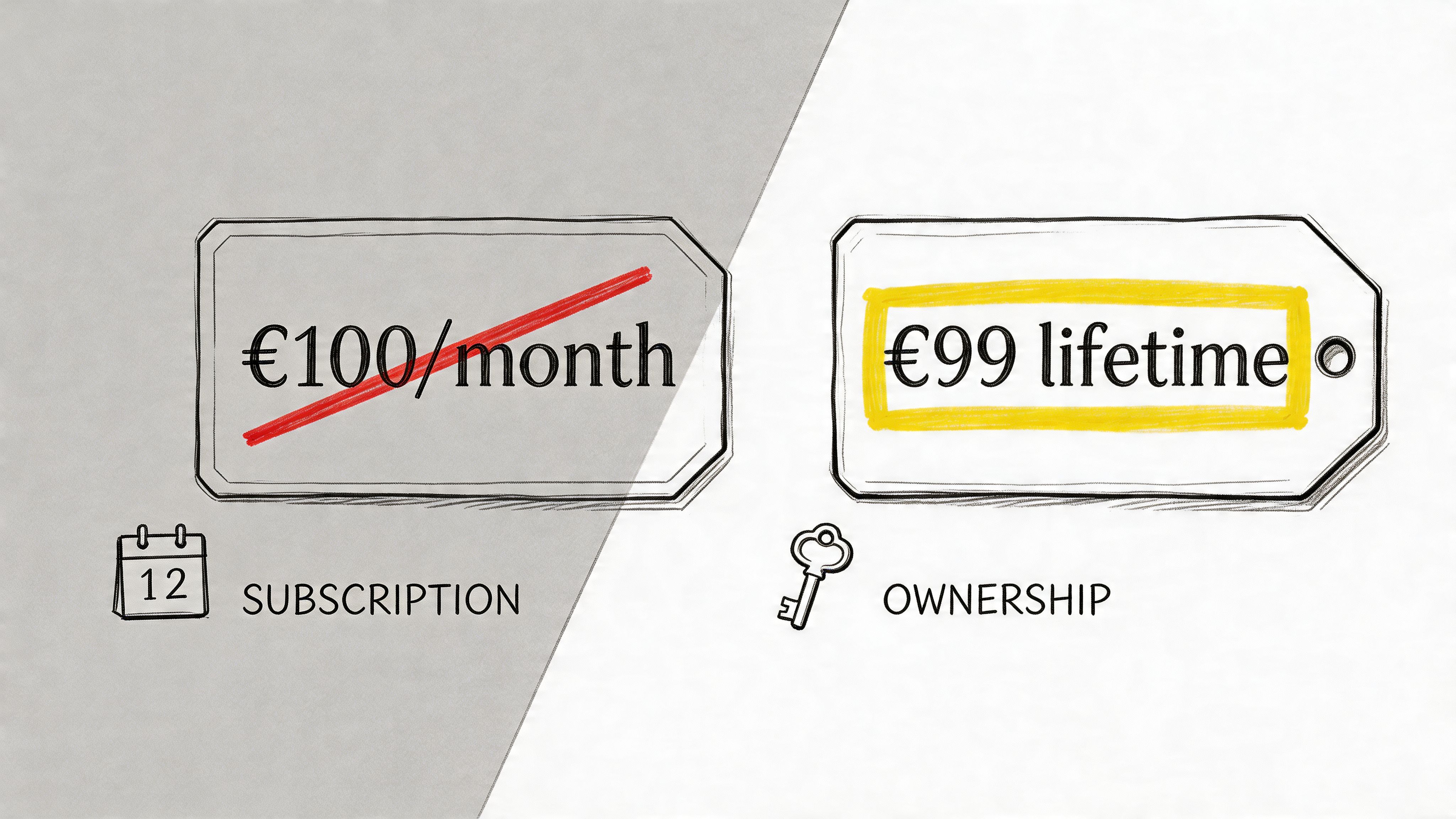
This is the sharpest template in the list, and the easiest one to overdo.
Pattern interrupts work because they break the rhythm of an inbox full of predictable SaaS messaging. Contrast works because it helps the buyer understand the decision in one glance.
Examples:
- €99 lifetime vs €100/month
- Your email bill is how much exactly?
- Plot twist. You can own your email infrastructure
- This isn’t about more features. It’s about money.
- SES + your API key = €0.10 per 1,000 emails
Contrast wins in crowded SaaS inboxes
If your product has a clear economic difference, this format can be excellent. Mailtani has one. Traditional ESPs often sit on top of the same provider infrastructure and add recurring markup. Mailtani flips that by letting users bring their own provider keys and pay the provider directly.
The economics are part of the subject line story:
- Provider cost: around €0.10 per 1,000 emails via the provider model in the publisher brief
- Platform model: lifetime access at €99
- ESP contrast: some tools can exceed €100 per month at relatively modest list sizes, based on the publisher brief
That kind of contrast is naturally attention-grabbing because it’s not abstract. It’s operational and financial.
There’s another angle here. Mixmax’s discussion of follow-up subject lines points to the tension around “Re:” continuity, dead leads, and trust-first subject lines, while noting that “Re: [Company]” can achieve 92% opens in the cited ContactMonkey study. The useful takeaway isn’t to slap “Re:” on everything. It’s that familiar, human-looking continuity can outperform overly polished cleverness.
So if you use contrast, keep it readable:
- Use plain language: numbers and comparisons should be obvious
- Don’t shout: avoid ALL CAPS and symbol spam
- Keep the body aligned: if the subject is about money, the email should quickly show the money angle
The wrong version feels gimmicky. The right version feels like a clean business case.
8-Template Comparison: Follow-Up Email Subject Lines
| Template | Implementation complexity | Resource requirements | Expected outcomes | Ideal use cases | Key advantages |
|---|---|---|---|---|---|
| The Direct Question Template | Low | Minimal (basic recipient context) | Quick replies, higher open rates | Follow-ups with prior contact, warm leads | Prompts dialogue, simple to personalize |
| The Value Addition Template | Medium | Content creation (guides, calculators) | Increased engagement, trust-building | Re-engaging non-responders, offering extras | Positions sender as helpful, justifies follow-up |
| The Curiosity Loop Template | Low–Medium | Strong follow-through content required | Very high open rates, curiosity-driven clicks | Revealing insights, counterintuitive claims | Memorable, drives opens via knowledge gap |
| The Time-Sensitive Template | Low (when deadline exists) | Accurate timelines, coordination | Higher immediate responses, clearer CTAs | Limited offers, trial expirations, deadlines | Creates urgency, motivates fast action |
| Personalization + Context Template | High | Research, segmentation, CRM data | Strong relevance and open rates | High-value prospects, DTC/SaaS, warm outreach | Feels personal, differentiates from mass emails |
| Social Proof + Credibility Template | Medium | Case studies, testimonials, verified metrics | Reduced skepticism, higher conversions | Cold outreach, risk-averse decision makers | Validates claims, builds trust quickly |
| Reciprocal Value Exchange Template | Medium–High | Ability to deliver help (audits, support) | Higher response rates, longer relationships | Consultative sales, developer onboarding | Collaborative framing, builds goodwill |
| Pattern Interrupt + Contrast Template | Low–Medium | Creative copy, A/B testing for audience fit | High open rates in crowded inboxes | Price-contrast messaging, fatigued audiences | Stands out, emphasizes key contrasts |
Stop Renting Your Infrastructure, Start Owning Your Results
A strong subject line for follow up email does one job first. It gets the second chance.
That second chance matters because follow-ups are where a lot of real conversations happen. The first email introduces the idea. The follow-up clarifies it, sharpens it, or reframes it around what the buyer cares about. Cost. timing. trust. technical control. operational simplicity.
That’s why the best subject lines don’t sound like reminders. They sound like relevance.
If I had to reduce the whole playbook to one rule, it’s this: match the subject line to the buyer’s current friction. If they’re uncertain, use credibility. If they’re busy, use directness. If they’re cost-sensitive, use contrast. If they already engaged, use context. If there’s a real deadline, use urgency. The psychology matters because each format asks for attention in a different way.
There’s also a practical side most advice skips. The subject line doesn’t live in a vacuum. It performs inside a sending system. If your infrastructure is weak, your follow-up strategy is capped. If you’re on shared IP pools, paying inflated monthly fees, and relying on a provider whose policy shift can disrupt your campaigns overnight, even a good subject line has less room to work.
That’s one reason the ownership angle matters so much for B2B SaaS and technical teams. When you control the provider relationship, sender authentication, and domain reputation, you’re not just saving money. You’re reducing dependency and getting cleaner feedback on what’s working. Subject line testing becomes more meaningful when the sending environment is under your control.
Mailtani’s model fits that reality well. It gives you the campaign layer, automations, sequences, segmentation, unified IMAP reply handling, and API access, while letting you use your own Amazon SES, Resend, or Mailtrap credentials. That means you keep control over deliverability and avoid the usual markup-heavy pricing structure of traditional ESPs.
So use the templates in this list like a working system, not a swipe file. Pick the trigger that matches the moment. Keep the line clear. Make the email earn the open. Then pair that message with infrastructure you control, so your results come from your strategy, not from whatever a shared platform happens to allow this month.
If you’re tired of paying monthly ESP markup for infrastructure you could own, Mailtani is worth a look. It gives you broadcasts, cold sequences, visual automations, forms, segmentation, analytics, IMAP-synced replies, and API access, while you send through your own Amazon SES, Resend, or Mailtrap account. You pay once for lifetime access, keep full control of your sender reputation, and avoid subscriber-tier pricing that keeps climbing as your list grows.


