
Discover the Best Time to Send Email Newsletter
Don't guess the best time to send email newsletter. We analyze data, teach A/B testing, and help you find the perfect send time for your audience.

On this page
Most advice about the best time to send email newsletter campaigns starts with a fixed hour. Send at 10 AM. Avoid Mondays. Stick to Tuesday. That advice is useful only until everyone else follows it.
The fundamental issue is not that benchmarks are incorrect. Rather, benchmarks are oversaturated. If you copy a generic send-time chart without considering who you're emailing, why you're emailing them, and whether your messages are even reaching the inbox, you end up optimizing a calendar instead of a system.
A stronger approach is to treat send time as something you build and control. Start with broad patterns. Narrow them by audience segment. Test against a single goal. Protect deliverability so your winning send time matters. That same mindset shows up outside newsletters too. If you're working on outbound, these Simple Outreach cold email tips are a useful reminder that timing only works when it matches audience behavior and message intent.
Why Chasing a Universal Best Send Time Is a Mistake
A universal send time sounds efficient. Pick one slot, automate it, and move on. In practice, that shortcut creates two expensive problems. You send when the inbox is crowded, and you stop learning what your own list prefers.
A newsletter audience isn't one block of people behaving the same way. Some readers open before work. Some scan during lunch and click later at night. Some buyers respond to promotions in the afternoon. Others ignore anything that lands during office hours. The best time to send email newsletter campaigns depends on intent, audience, and inbox placement. It doesn't live in a generic blog post.
The send time that looks best on a benchmark chart may be the worst time for your specific list if everyone in your market is using it.
There's also a deliverability cost to blind scheduling. When a team keeps blasting the full list at one fixed hour, weak segments stay weak. Unengaged subscribers pile up. Complaint risk rises. Inbox providers notice patterns faster than marketers do. A timing strategy should reduce waste, not amplify it.
The better question is not "What's the best hour?" It's "Which time works for this segment, for this campaign goal, under this sender reputation?" That shift changes how you operate:
- Use benchmarks as a starting point. They help you avoid random guessing.
- Segment before you schedule. Time zone, buyer type, and engagement level matter more than averages.
- Test one variable at a time. If you change timing, don't also change subject line and creative.
- Watch deliverability alongside engagement. Opens mean little if mailbox providers are already pushing you toward spam.
Teams with small budgets need this discipline even more. You can't afford to oversend, pay for list bloat, or burn reputation on experiments that don't isolate the cause.
What Industry Data Says About Email Send Times
Industry benchmarks are useful for one job. They give you a starting range when your own list has not produced enough signal yet. They do not give you a fixed answer you can apply forever.
Benchmarks that are worth using
MailerLite’s analysis points to two patterns worth testing first. The highest peak average open rate for newsletters occurs on Friday at 6 PM, reaching 49.7% (MailerLite’s 2026 analysis of email performance data). The same analysis found that global open rates consistently peak between 8 AM and 11 AM across weekdays, with Thursday’s peak at 9 AM hitting 49.6% (MailerLite’s 2026 analysis of email performance data).
That split matters in practice. Morning sends often win on visibility. Certain evening or late-day slots can line up better with action, especially for newsletters people read after work or promos they click once the day clears.
I would use those benchmarks as test lanes, not defaults. A scrappy team does not need more guesses. It needs a short list of promising time windows that can be tested without wasting volume or hurting sender reputation.
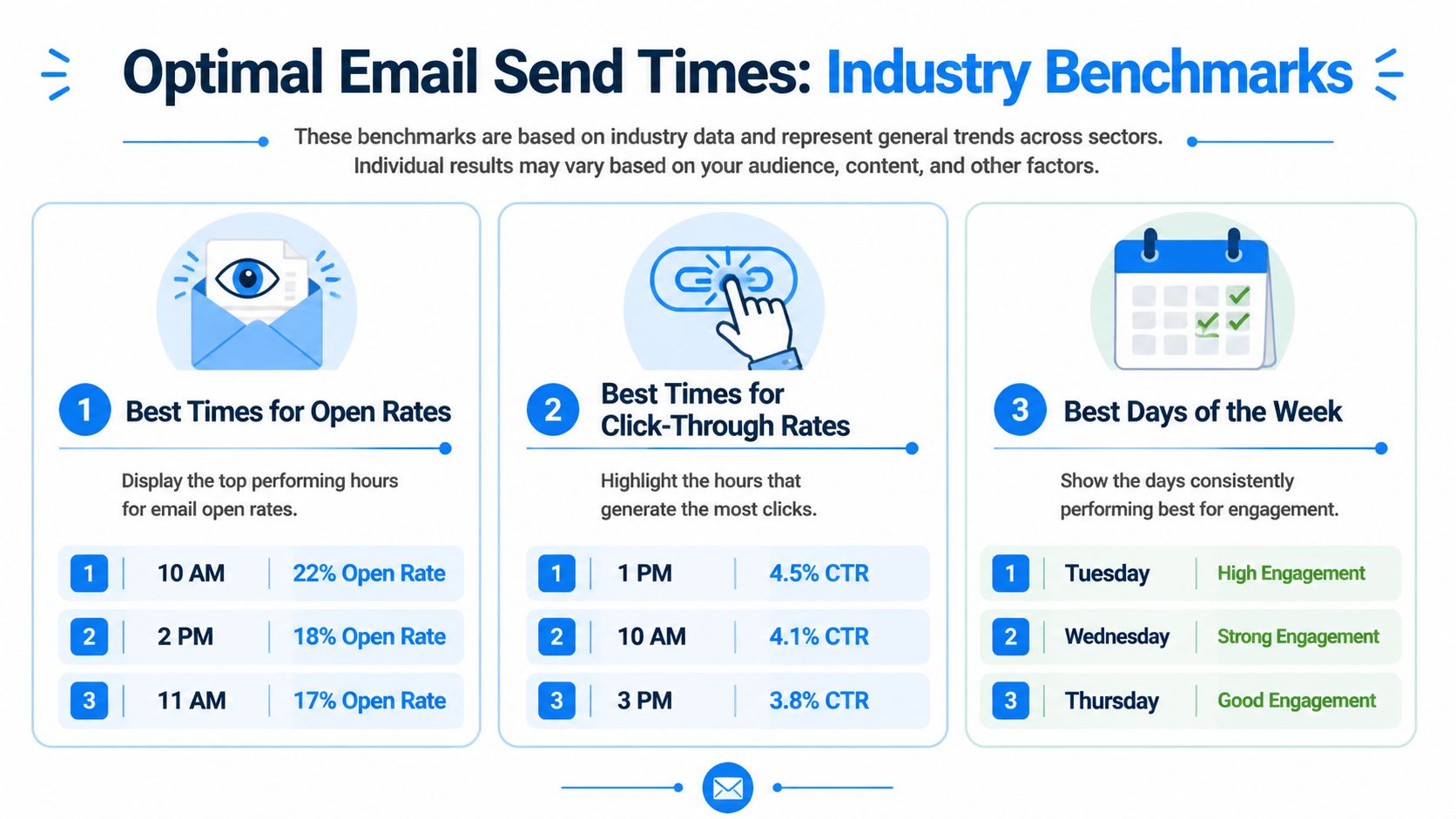
Here is a practical benchmark table to frame those first tests.
| Goal | Best Day(s) | Peak Time Window | Notes |
|---|---|---|---|
| General opens | Mid-week | Morning, often 8 AM to 11 AM local time | Good starting range for business-focused newsletters |
| Newsletter opens | Friday | 6 PM | MailerLite reported the strongest peak average open rate here |
| Weekday visibility | Across weekdays | 8 AM to 11 AM | Useful if your primary goal is being seen early |
| First-pass testing | Split by local time zone | One morning slot and one later slot | Helps you find your list’s pattern without sending at random |
A useful setup starts with local-time scheduling, then keeps the first round small. If your platform supports tags and grouped audiences, clean email list management workflows make it easier to run those tests without mixing time zones or resending to weak segments.
How to use the table without misusing it
Treat each row as a candidate, then measure what it costs to pursue that candidate.
A B2B newsletter can start with a mid-week morning slot because that is where broad benchmark data clusters. A retail promotion may deserve a later test if your buyers tend to act after work. An educational send can tolerate a timing choice that favors opens. A revenue email cannot. For that campaign, click rate, conversion rate, unsubscribe rate, and complaint rate matter more than a pretty open-rate screenshot.
Practical rule: Choose send time based on the next action you want, then check whether that timing improves engagement without increasing complaints or wasted volume.
That is where benchmarks become useful instead of expensive. They narrow the field. Your own results decide the schedule. The best time is not a universal hour. It is a controlled process that protects deliverability, limits unnecessary sends, and gets stronger as your team builds more first-party timing data.
Segmenting Your Audience for Smarter Timing
A single send time is usually a reporting trick, not a growth strategy. One part of the list props up opens, another part ignores the email, and the blended result hides both problems. That costs money and weakens deliverability because low-engagement recipients keep getting volume they did not ask for with their actions.
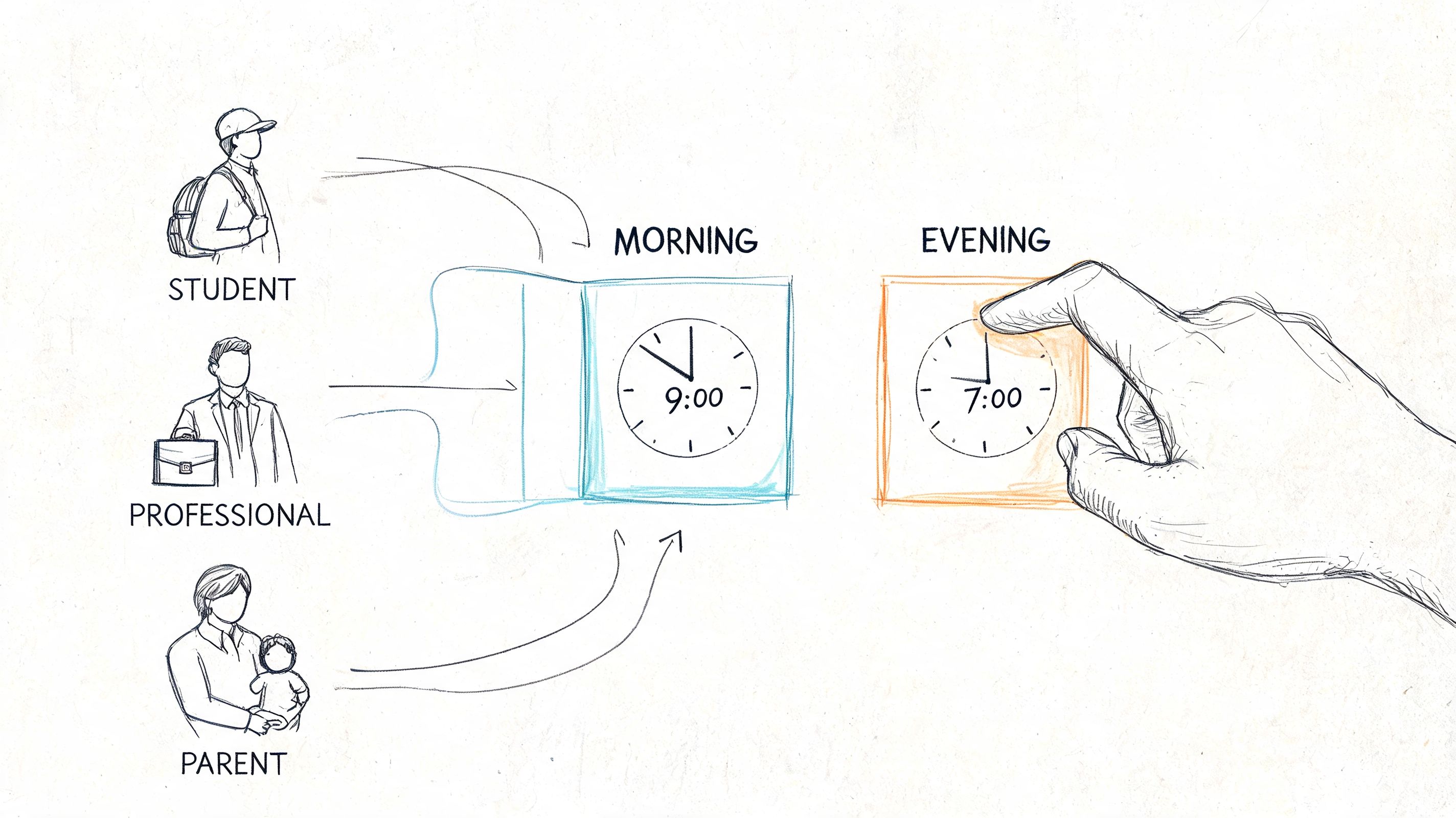
Start with local time
As noted earlier, industry research clusters around mid-week and late morning in the recipient's local time. The practical takeaway is simple. Schedule for the subscriber's clock, not yours.
This should be the first split for any distributed list. A 10 AM campaign from your dashboard can hit one subscriber during work, another during school pickup, and another before sunrise. For a small team, local-time segmentation is one of the few timing changes that improves relevance without adding creative work.
If your platform supports tagging and grouped audiences, set up time-zone segments first and keep them clean with email list management workflows. Good list hygiene does more than save time. It prevents accidental over-sending to the wrong region, reduces wasted volume, and makes timing tests easier to trust.
A practical setup looks like this:
- Primary market first. Give your largest geography its own segment so its behavior does not distort the rest of the list.
- Secondary regions next. Create separate sends for meaningful clusters instead of forcing one global schedule.
- Unknown locations carefully. Put contacts with weak location data into a fallback segment and test wider windows before you scale volume there.
Split by behavior, not just demographics
Time zone fixes the delivery hour. Behavior tells you whether that hour has a chance to work.
Recent clickers, repeat buyers, and loyal readers do not behave the same way, and they should not get identical timing by default. A subscriber who opens product launches within an hour is a good candidate for a different send window than someone who reads weekend roundups and rarely clicks. Separate business readers from lifestyle or retail readers when the content and timing logic differ.
Use segments that change a real sending decision:
- Recent engagers. Safe group for timing tests because they already show positive signals.
- Passive readers. Test cautiously here. If timing does not improve clicks or opens, cut volume instead of pushing harder.
- High-intent segments. Trial users, repeat clickers, and recent buyers deserve their own windows because the revenue upside is higher.
- Low-quality or aging segments. Give them a separate schedule or suppress them from frequent tests. Protecting sender reputation is cheaper than chasing a tiny lift from people who have gone quiet.
One rule helps keep this manageable. If a segment will not change send time, cadence, or suppression logic, it probably does not need to exist.
That is how timing becomes a controlled system instead of a guess. You are not looking for one perfect hour. You are building smaller groups with clear habits, then sending each group at a time that earns engagement without buying extra complaints, bounces, or wasted sends.
A Practical Guide to A/B Testing Your Send Time
A/B testing send time sounds simple, but results are frequently contaminated. They test a different hour with a different subject line, a different audience slice, and a different creative angle. Then they can't tell what caused the lift or drop.
The clean version is much less glamorous and far more useful.
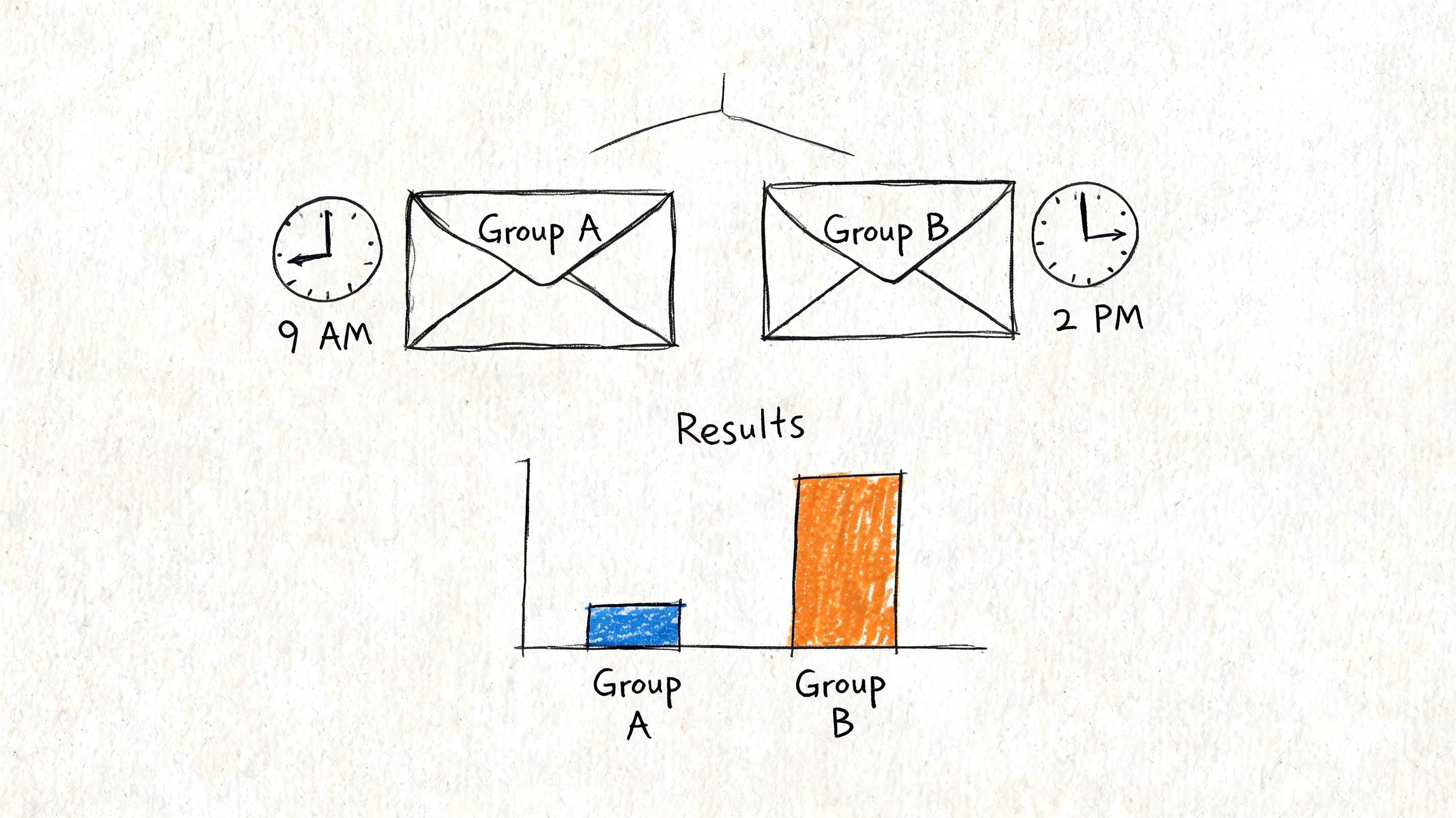
Run a clean test
Pick one segment. Keep the email identical. Split that segment randomly into two comparable groups. Change only the send time.
A simple process works well:
-
Choose one audience segment
Don't test on your full list first. Use a defined group, such as recent newsletter openers, active customers, or a single geography.
-
Pick one campaign goal
If the email exists to drive site traffic, judge the test by clicks. If it exists to maximize readership, watch opens and downstream engagement together. Don't switch goals after the result comes in.
-
Create one email
Same subject line, same preview text, same body, same call to action. Only the send time changes.
-
Test two realistic windows
Compare options that could both plausibly win. Morning versus afternoon. Mid-week morning versus Friday evening. Avoid nonsense tests that don't reflect your actual sending calendar.
-
Keep list hygiene stable
Don't add old unengaged contacts into one branch just to make the sample bigger. That distorts the result and can hurt inbox placement.
If you want a walkthrough of how marketers think about measurement after the send, this video is a solid companion before you interpret your winner:
Read results like a practitioner
The winning send time is the one that best supports the campaign goal with the least downside. That means you shouldn't look at one metric in isolation.
Check these signals together:
- Opens for visibility. Useful when the email's job is readership.
- Clicks for action. Better when the email asks readers to visit, buy, or register.
- Unsubscribes and complaints. A time that lifts clicks but annoys the segment isn't a real win.
- Reply quality. For founder-led or community-driven newsletters, replies can reveal whether the timing fit the reader's context.
For trend analysis over multiple tests, a dedicated reporting layer helps. That's where email analytics dashboards become more useful than a single campaign report because you can compare repeated experiments without rebuilding the view every time.
Don't crown a winner after one send unless the difference is obvious and consistent with what you know about the segment.
Run the test again on the same segment with a similar campaign type. If the result repeats, turn it into a default. If it flips, your audience may respond more to content type than send time. That's a useful answer too.
Optimizing for Deliverability First
Send time optimization gets the attention. Deliverability determines whether the test matters at all.
If your reputation is weak, your perfect timing strategy still fails. The message arrives late, lands in promotions when it shouldn't, or gets filtered into spam. Marketers often blame the calendar for a problem created by infrastructure, list quality, or sending habits.
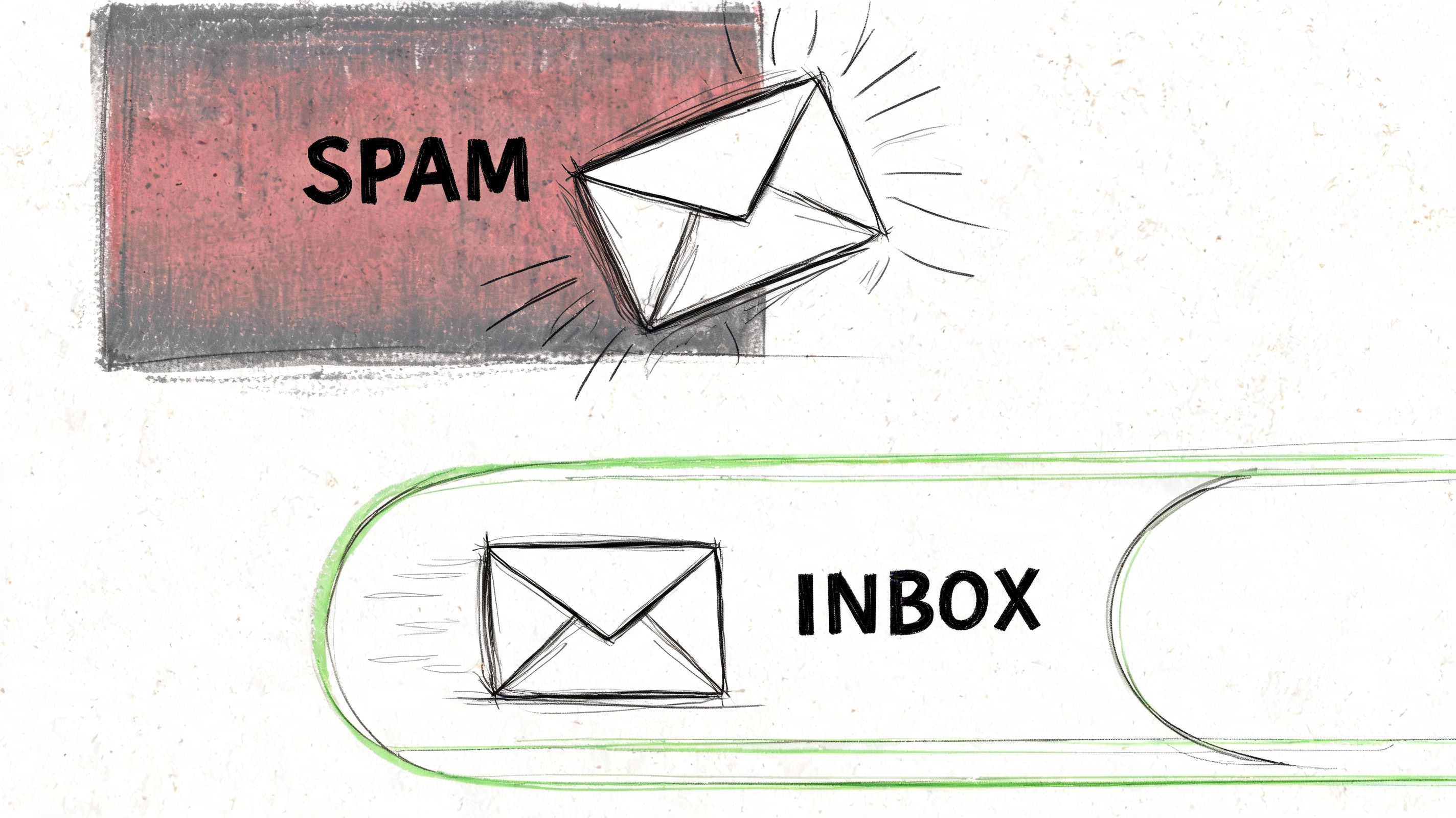
Timing cannot rescue bad inbox placement
Inbox providers care about patterns. Sudden volume jumps, messy list imports, weak authentication, and repeated sends to disengaged contacts all work against you. A team can spend weeks testing the best time to send email newsletter campaigns and still misread the results because only part of the audience ever sees the email in the primary inbox.
That's why good operators work in this order:
- Authenticate the sending setup. If the domain doesn't signal legitimacy, timing becomes secondary.
- Warm up carefully. New domains and new sending streams need consistency before scale.
- Trim dead weight. Old inactive subscribers are not an asset if they reduce engagement quality.
- Match cadence to audience behavior. Oversending weak segments hurts more than under-sending them.
This same principle shows up in other channels. Social teams debate posting times too, but timing helps only after the account has a healthy base of relevance and engagement. Narrareach's Instagram posting time guide is useful for that reason. It reinforces that timing sits on top of distribution quality, not the other way around.
What small teams should control
You don't need an enterprise stack to improve deliverability. You need control over the basics and the discipline to keep them clean.
A practical checklist:
- Sender reputation ownership. Shared sending environments can create noise you didn't cause.
- Consistent segmentation. Sending highly relevant campaigns to the right groups protects engagement.
- Reply handling. When replies are visible and acted on, you learn faster which campaigns feel wanted.
- Monitoring over assumptions. Watch inbox behavior after each change in cadence, list source, or campaign mix.
If your stack gives you visibility into inbox placement trends and sending quality, use it. A focused email deliverability workflow is more valuable than another subject-line generator when your core issue is whether messages are trusted in the first place.
Good timing improves a healthy program. Good deliverability keeps the program healthy.
Cost control connects directly here. Sending large volumes to weak segments isn't just bad marketing. It creates unnecessary provider costs and makes future campaigns less reliable. The cheapest email is often the one you choose not to send.
Building Your Dynamic Email Sending Strategy
A good send-time strategy isn't a chart pinned to your wall. It's an operating system.
Start with benchmarks so you don't begin from zero. Use broad timing patterns to choose your first test windows. Segment by local time and behavior so you're not averaging unlike audiences together. Run clean A/B tests with one variable changed. Judge the result by the campaign's actual job, then keep only what repeats.
That process stays useful because audiences change. Product launches shift behavior. Seasonal buying patterns show up. A newsletter that once worked mid-week may perform better later when your content mix changes. The best time to send email newsletter campaigns moves because your list moves.
For practical optimization, keep this loop simple:
- Pick a default window from benchmark data
- Apply it to one defined segment
- Test a credible alternative
- Review engagement and negative signals together
- Promote winners into your regular schedule
- Retest when audience behavior or campaign type changes
If the campaign goal is clicks, study click behavior. If the goal is readership, focus on opens in context. If the goal is sales, timing alone won't carry the result. Your offer, audience fit, and inbox placement still decide most of the outcome. For teams trying to sharpen that post-open action, Trackingplan's guide on how to improve email click-through rates is worth reading alongside your timing tests because it forces attention back to message quality and intent.
The scrappy advantage is flexibility. Small teams can test faster, change schedules without committee approval, and avoid paying for bloated workflows that hide basic performance problems. The strongest programs treat timing as a controllable input, not as folklore.
Mailtani gives you that control without the usual markup. You bring your own provider, keep ownership of your sending setup, and run broadcasts, automations, segmentation, analytics, and deliverability workflows in one place. If you want to test and scale email timing without getting trapped by rising subscriber fees, see what Mailtani looks like.

